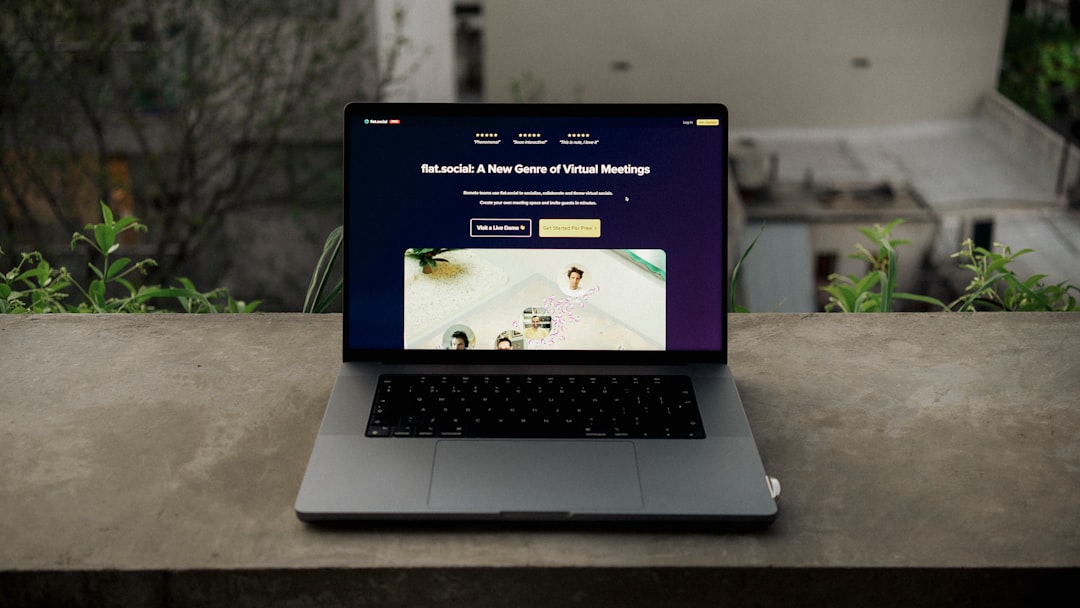
Creating a landing page for your event is essentially building a dedicated online spot for attendees to get all the key info and, crucially, to sign up or buy tickets. Think of it as your event’s digital front door – you want it to be welcoming, informative, and easy to navigate. It’s not just a fancy flyer; it’s a critical tool for conversions, providing clear calls to action and eliminating distractions so people can focus on attending your event.
Lots of people wonder if a social media post or a page on their existing website is enough. While those have their place, a dedicated landing page offers some distinct advantages.
Focused Attention
Unlike a general website page with multiple navigation options, a landing page removes distractions. The sole purpose is to get registrations or ticket sales, keeping visitors focused on that one goal. No side menus, no blogs, just event-specific content.
Targeted Messaging
You can tailor the language and visuals precisely to your target audience for this specific event. This allows for more personalized and compelling messaging that resonates directly with potential attendees.
Measurable Results
Landing pages make tracking performance simple. You can see how many people visited, how many converted, and where they might be dropping off. This data is invaluable for optimizing your marketing efforts.
Professional Impression
A slick, well-designed landing page signals professionalism and attention to detail. It inspires confidence in potential attendees that your event will be well-organized and worth their time and money.
Planning Your Landing Page Content
Before you even think about design, map out the information your attendees truly need. Put yourself in their shoes – what would you want to know before committing?
Essential Event Details
This is the absolute core information that must be present. Don’t make people hunt for it.
What is the Event?
A clear, concise, and compelling headline that immediately communicates the event’s name and primary purpose. Make it catchy but informative.
When and Where?
The date, time, and location (physical or virtual) are non-negotiable. For virtual events, specify time zones. For physical, include a map or directions link.
Who is it For?
Clearly define your target audience. This helps potential attendees quickly determine if the event is relevant to them and helps you tailor your messaging.
Why Should They Attend?
Highlight the key benefits or unique selling propositions. Will they learn something new? Network with industry leaders? Be entertained? Focus on what attendees will gain.
Speakers or Performers (if applicable)
If you have notable speakers, performers, or special guests, feature them prominently with short bios and perhaps a headshot. Their reputation can be a big draw.
Compelling Visuals
Humans are visual creatures. Good imagery can make or break your landing page.
High-Quality Images or Video
Use professional-grade photos or short videos that capture the event’s essence or highlight past successful events. Avoid blurry or generic stock photos.
Branding Consistency
Ensure your landing page uses consistent branding elements – logos, colors, fonts – that match your overall event identity. This builds trust and recognition.
Social Proof and Testimonials
People are more likely to attend if they see others have had positive experiences.
Past Attendee Testimonials
Short, impactful quotes from previous attendees can be very persuasive. If possible, include their name and perhaps their role or company.
Logos of Participating Companies or Sponsors
If you have notable sponsors or companies sending attendees, their logos add credibility and prestige.
Clear Call to Action (CTA)
This is arguably the most important element. What do you want people to do next?
Prominent and Unmissable Button
Your CTA button should stand out visually and use action-oriented language like “Register Now,” “Get Your Tickets,” or “Save Your Spot.”
Above the Fold Placement
Place at least one CTA button where visitors can see it without scrolling down. This captures immediate interest.
Multiple Opportunities
Pepper CTAs throughout the page, especially after sections that build excitement or answer common questions.
Pricing and Packages (if applicable)
If your event has a cost, clearly outline the pricing structure.
Tiered Options
If you offer different ticket tiers (early bird, VIP, general admission), present them clearly with their respective benefits and deadlines.
Payment Gateway Information
Briefly mention accepted payment methods and ensure the payment process is secure and transparent.
FAQ Section
Anticipate common questions and provide concise answers. This reduces friction and prevents potential attendees from abandoning the page to search for information elsewhere.
Designing for Success: Layout and User Experience
A well-planned content strategy needs an equally thoughtful design. Your landing page should be intuitive, visually appealing, and work seamlessly on any device.
Mobile Responsiveness
This isn’t optional anymore. A significant portion of your audience will view your page on their phone.
Adaptive Layouts
Ensure all elements resize and reflow perfectly on smaller screens. Text should be readable, buttons tappable, and forms easy to fill out.
Fast Loading Times
Mobile users are impatient. Optimize images and code to ensure your page loads quickly. A slow page is a bounce page.
Clean and Uncluttered Layout
Less is often more on a landing page.
White Space
Utilize ample white space to prevent the page from looking overwhelmed. This improves readability and draws attention to key elements.
Hierarchical Information
Use headings, subheadings, and bullet points to break up text and guide the reader’s eye through the most important information first.
Compelling Copywriting
The words you use are crucial.
Benefit-Oriented Language
Instead of just stating features, emphasize the benefits attendees will receive. “Learn from experts” is good, but “Gain actionable strategies to boost your business” is better.
Conciseness
Get to the point quickly. People skim online, so make every word count.
Urgency and Scarcity (Used Judiciously)
Phrases like “Limited Spots Available” or “Early Bird Ends Soon” can encourage quicker decision-making, but use them genuinely.
Effective Forms
If your goal is registration, your form is critical.
Minimal Fields
Only ask for the absolute necessary information. The more fields, the higher the drop-off rate. A name and email might be enough initially.
Clear Labels and Error Messages
Ensure form fields are clearly labeled and that any validation errors are easy to understand and correct.
Progress Indicators (for multi-step forms)
If your form is long, a visual progress bar can reduce perceived effort and encourage completion.
Choosing the Right Tools
You don’t need to be a coding genius to build a great landing page. There are many powerful and user-friendly platforms available.
Dedicated Landing Page Builders
These platforms are designed specifically for creating high-converting landing pages.
Leadpages
Known for its drag-and-drop builder, extensive template library, and A/B testing capabilities. Great for those who want a guided approach.
Unbounce
Offers robust features for more advanced users, including dynamic text replacement, AI-powered design insights, and powerful A/B testing.
Instapage
Focuses on speed and collaboration, offering a highly intuitive builder and features for team workflows.
Website Builders with Landing Page Functionality
If you already use a website builder, check if it has strong landing page capabilities.
Squarespace
Offers beautiful templates and an easy-to-use editor, suitable for creating visually appealing event landing pages, though less focused on conversion optimization than dedicated tools.
WordPress with Page Builders (Elementor, Divi)
If you’re on WordPress, plugins like Elementor or Divi provide drag-and-drop functionality to build custom landing pages with great flexibility.
Wix
Another user-friendly website builder with good customization options for event pages, including event management features.
Email Marketing Platforms (with landing page features)
Some email marketing services now include basic landing page builders.
Mailchimp
Offers integrated landing page creation that’s easy to use, especially if you’re already managing your email campaigns through them.
ConvertKit
Popular with creators, ConvertKit provides simple landing page builders tailored for collecting email subscribers and promoting events.
Post-Launch Optimization and Promotion
Launching your page is just the beginning. To maximize its effectiveness, you need to promote it and continuously improve it.
Driving Traffic to Your Landing Page
A perfect landing page is useless if no one sees it.
Email Campaigns
Send targeted emails to your subscriber list, announcing the event and linking directly to your landing page.
Social Media Marketing
Share your landing page link across all relevant social media channels. Consider paid social ads for broader reach and specific targeting.
Paid Search (Google Ads)
Run targeted ads on Google search results pages, bidding on keywords related to your event.
Content Marketing
Write blog posts, articles, or create videos that inform and excite potential attendees, always including a clear call to action and a link to your landing page.
Partnerships
Collaborate with complementary businesses or influencers to cross-promote your event and landing page to their audiences.
Tracking and Analytics
Understanding how your page performs is vital for improvement.
Google Analytics
Set up Google Analytics to track page views, bounce rates, time on page, and traffic sources.
Conversion Tracking
Implement conversion tracking (e.g., Google Ads conversion tracking, Facebook Pixel) to measure how many visitors complete your desired action (registration, ticket purchase).
Heatmaps and Session Recordings
Tools like Hotjar or Crazy Egg can show you where users click, how far they scroll, and even record their sessions, revealing usability issues.
A/B Testing
Don’t assume your first version is the best version.
Headline Variations
Test different headlines to see which one grabs attention and encourages more clicks or conversions.
CTA Button Copy and Color
Experiment with different phrases on your CTA button and try various colors to see what stands out most.
Image and Video Content
Test different hero images or videos to find what resonates best with your audience.
There you have it. A solid event landing page is a dynamic tool, not a static brochure. By focusing on critical information, user experience, and continuous optimization, you’ll be well on your way to filling up your event.