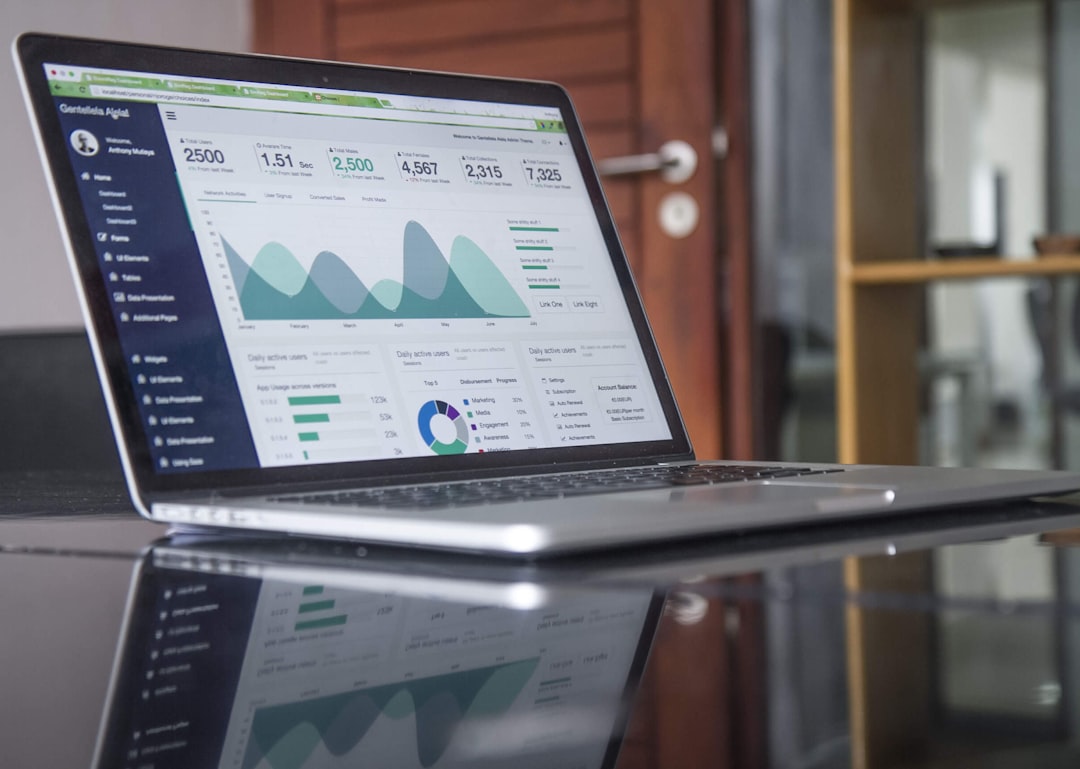
Ever find yourself staring at a sea of numbers and wishing for a magic wand to pull out the really important stuff? You’re not alone. Data analysis can feel a bit like navigating a maze, but with the right tools, it becomes way more manageable. The key to maximizing your insights isn’t just about having data, but about effectively interpreting it. This article dives into 17 essential data analysis tools that can help you do just that, along with practical ways you can use them.
Think of data analysis tools like a carpenter’s toolbox. You wouldn’t try to build a table with just a hammer, right? Similarly, different data analysis tasks call for different tools. Some are for crunching numbers, others for visualizing trends, and still others for making predictions. Having a diverse set of tools at your disposal means you can tackle a wider range of problems and pull more meaningful information from your data. It’s about having the right instrument for the job, whether that job is understanding customer behavior, optimizing a process, or spotting a market opportunity.
Broad Categories of Tools
Before we get into specific tools, it’s helpful to understand the general categories they fall into. This gives you a framework for thinking about what you need.
Spreadsheet Software
These are often your first port of call. They’re accessible and great for basic data manipulation, organization, and simple calculations.
- Microsoft Excel: The industry standard. It excels at organizing tabular data, performing calculations with formulas and functions, creating charts, and even some basic statistical analysis. Its widespread use means there are tons of tutorials and community support available.
- Google Sheets: A cloud-based alternative. Great for collaboration, as multiple people can work on a sheet simultaneously. It offers many of the same functionalities as Excel and integrates seamlessly with other Google Workspace tools.
Programming Languages
For more complex analysis, automation, and working with very large datasets, programming languages are indispensable. They offer immense power and flexibility.
- Python: Highly popular for data science due to its extensive libraries like Pandas (for data manipulation), NumPy (for numerical operations), and Matplotlib/Seaborn (for visualization). Its readability and versatility make it a favorite for beginners and experienced analysts alike.
- R: Specifically designed for statistical computing and graphics. It boasts a vast ecosystem of packages for everything from advanced statistical modeling to machine learning. Many academics and statisticians prefer R for its depth in statistical capabilities.
Business Intelligence (BI) Platforms
These tools are designed to help businesses make sense of their data and turn it into actionable insights. They often combine data warehousing, data mining, and visualization capabilities.
- Tableau: A leader in data visualization. It allows users to create interactive dashboards and reports from various data sources with a drag-and-drop interface. It’s excellent for exploring data visually and communicating findings to a non-technical audience.
- Power BI: Microsoft’s offering in the BI space. It integrates well with other Microsoft products and provides robust data modeling, visualization, and reporting features. It’s often a cost-effective solution for organizations already invested in the Microsoft ecosystem.
- Qlik Sense/QlikView: Known for their associative engine, which allows for unique ways of exploring data relationships and uncovering hidden insights. They are powerful for interactive data discovery and self-service analytics.
Statistical Software
When you need to perform rigorous statistical tests, build predictive models, or delve deep into research methodologies, specialized statistical software is the way to go.
- SPSS (Statistical Package for the Social Sciences): Widely used in academic research and by social scientists. It offers a user-friendly graphical interface for performing complex statistical analyses without requiring extensive programming knowledge.
- SAS: A powerful suite of analytics software used extensively in industries like finance, healthcare, and pharmaceuticals. It’s known for its robustness, scalability, and advanced capabilities for data management, statistical analysis, and business analytics.
- Stata: Another popular choice for researchers, particularly in econometrics and other social sciences. It offers a command-line interface and a graphical interface, making it flexible for different user preferences.
Database Management Systems (DBMS)
These are essential for storing, organizing, and retrieving large volumes of data. Understanding how to interact with them is crucial for any data analyst.
- SQL (Structured Query Language): Not a tool in itself, but a language used to communicate with relational databases. Mastering SQL is fundamental for extracting and manipulating data stored in databases like MySQL, PostgreSQL, or SQL Server.
- MySQL: A widely used open-source relational database management system. It’s a common choice for web applications and data storage due to its reliability and performance.
- PostgreSQL: Another powerful open-source relational database system. It’s known for its extensibility and advanced features, making it suitable for more complex applications and data warehousing.
Big Data Technologies
For datasets that are too large or complex for traditional tools, specialized big data technologies are employed.
- Apache Hadoop: An open-source framework that allows for distributed storage and processing of very large data sets. It’s a foundational technology for big data analytics.
- Apache Spark: An open-source unified analytics engine for large-scale data processing. It’s significantly faster than Hadoop MapReduce for many applications, particularly iterative algorithms used in machine learning.
Specialized Tools
Beyond these broad categories, there are tools tailored for very specific types of analysis.
- Jupyter Notebook: An interactive computational environment that allows you to create and share documents that contain live code, equations, visualizations, and narrative text. It’s incredibly popular for data exploration, prototyping, and reproducible research.
- KNIME (Konstanz Information Miner): An open-source data analytics, reporting, and integration platform. It uses a visual workflow approach, allowing users to build data pipelines through a drag-and-drop interface without extensive coding.
- RapidMiner: Similar to KNIME, RapidMiner offers a visual workflow designer for data science tasks, including data preparation, machine learning, and model deployment. It’s known for its comprehensive set of operators and integration capabilities.
Bringing Data to Life: Visualization Tools
Once you’ve cleaned and processed your data, the next critical step is making sense of what it’s telling you. Visualization is key here, transforming raw numbers into understandable patterns and trends. Without effective visualization, even the most brilliant analysis can get lost.
Transforming Data into Stories
Visualizations are your best bridge to communicating complex findings clearly and persuasively. They help you spot outliers, identify relationships, and track progress over time in a way that tables of numbers simply can’t.
- Tableau: As mentioned earlier, Tableau is a powerhouse for interactive dashboards.
- Use Case: A marketing team wants to understand campaign performance across different channels. They can use Tableau to build a dashboard showing website traffic, conversion rates, and ROI by channel, letting them quickly see which campaigns are effective and which need adjustment.
- Power BI: Another excellent tool for creating dynamic reports.
- Use Case: A retail manager wants to monitor daily sales performance across stores. Power BI can pull data from sales systems to create a dashboard showing sales figures, top-selling products, and regional performance, allowing for real-time monitoring and decision-making.
- Matplotlib (Python Library): A foundational plotting library in Python.
- Use Case: A data scientist is exploring customer segmentation. They can use Matplotlib to create scatter plots showing customer demographics and purchase frequency, helping to identify distinct customer groups.
- Seaborn (Python Library): Built on top of Matplotlib, Seaborn provides a higher-level interface for drawing attractive and informative statistical graphics.
- Use Case: Analyzing survey data. Seaborn can be used to generate heatmaps of correlations between survey responses or distribution plots for different demographic groups, revealing underlying relationships and distributions.
- ggplot2 (R Library): A highly popular data visualization package for R, based on the “grammar of graphics.”
- Use Case: An academic researcher is analyzing experimental results. ggplot2 can be used to create publication-quality plots like box plots to compare groups, line plots to show trends over time, or bar charts to represent categorical data, making their findings visually compelling.
Diving Deep with Statistical Powerhouses
When your analysis needs to go beyond simple trends and into understanding relationships, causation, or making predictions, statistical software and languages become your go-to. These tools allow for rigorous testing and more sophisticated modeling.
Beyond the Surface: Advanced Analysis
This is where you move from describing what happened to understanding why it happened and anticipating what might happen.
- R: Its extensive statistical packages are a major draw.
- Use Case: A biostatistician needs to conduct a complex clinical trial analysis. R can be used for hypothesis testing, regression analysis, survival analysis, and generating detailed statistical reports to assess the efficacy and safety of a new drug.
- Python (with SciPy, Statsmodels): Python’s scientific computing libraries complement its data manipulation strengths.
- Use Case: A financial analyst wants to model stock market volatility. They can use Python with libraries like SciPy for advanced mathematical functions and Statsmodels for time-series analysis and econometric modeling to forecast market behavior.
- SPSS: Its user-friendly interface makes advanced statistics accessible.
- Use Case: A market researcher wants to understand the factors influencing customer satisfaction. SPSS can be used to perform regression analysis and ANOVA tests to identify which product features or service elements have the biggest impact on satisfaction scores.
- SAS: For large-scale, enterprise-level statistical analysis.
- Use Case: A pharmaceutical company needs to analyze massive datasets from drug development to identify potential side effects or efficacy markers. SAS’s robust data management and statistical procedures are ideal for this scale and complexity.
- Stata: Favored in economics for its specialized econometric functions.
- Use Case: An economist is studying the impact of government policy on employment rates. Stata provides specialized commands for panel data analysis, difference-in-differences estimation, and other econometric techniques crucial for this type of research.
Empowering Data Interaction: Databases and Querying
Most data doesn’t live in an Excel spreadsheet. It resides in databases, often large and complex. Knowing how to query and manage this data is a fundamental skill.
Accessing the Core of Your Data
Databases are the bedrock of data management. Efficiently retrieving and preparing data from these sources is the first step in many analysis workflows.
- SQL: The universal language for relational databases.
- Use Case: You need to pull customer transaction data from the last quarter for a specific product category. SQL queries allow you to precisely select, filter, and aggregate this information from a customer database. For example,
SELECT customer_id, order_date, total_amount FROM orders WHERE product_category = 'Electronics' AND order_date BETWEEN '2023-01-01' AND '2023-03-31'; - MySQL/PostgreSQL: The systems that hold your data.
- Use Case: A web application needs to store user profiles and activity logs. A relational database like MySQL or PostgreSQL is used to efficiently store and retrieve this information, ensuring data integrity and fast access for the application.
- Database Management Tools (e.g., DBeaver, pgAdmin): These provide a user interface for interacting with databases.
- Use Case: A developer needs to inspect the schema of a database, run SQL queries, and manage tables. Tools like DBeaver offer a graphical interface to simplify these tasks, making database management more intuitive.
As data volumes explode, traditional tools can buckle under the pressure. Big data technologies offer solutions for handling massive, complex datasets that don’t fit neatly into relational tables.
Tackling Scale and Velocity
These technologies are built for distributed environments, allowing you to process and analyze data that’s simply too large or moves too quickly for single machines.
- Apache Hadoop: The foundational framework for distributed storage and processing.
- Use Case: A large social media company collects terabytes of user data daily. Hadoop can store this vast amount of unstructured and semi-structured data across a cluster of servers, enabling subsequent analysis.
- Apache Spark: For faster, in-memory processing.
- Use Case: A streaming service wants to analyze viewing patterns in real-time to recommend content. Spark’s speed allows it to process massive streams of viewing data as it arrives, enabling immediate personalized recommendations. It’s also excellent for machine learning tasks on large datasets.
Integrated Workflows and Visual Programming
Sometimes, the most efficient way to analyze data is through a visual, step-by-step process that doesn’t require deep coding knowledge. These platforms offer a more intuitive approach to building complex data pipelines.
Streamlining the Analysis Process
These tools bridge the gap between simple spreadsheet analysis and complex programming, offering a visual way to connect different data operations.
- Jupyter Notebook: For interactive exploration and reproducible results.
- Use Case: A data scientist is exploring a new dataset. They can use a Jupyter Notebook to write code snippets in Python or R, visualize intermediate results immediately, and document their thought process all in one place, making the analysis transparent and repeatable.
- KNIME: Its visual workflow approach is a key differentiator.
- Use Case: A business analyst needs to integrate data from multiple sources, clean it, and build a predictive model. KNIME allows them to drag and drop nodes representing different operations (e.g., reading CSV, filtering rows, applying a machine learning algorithm) to construct a complete analysis workflow visually.
- RapidMiner: Offers a comprehensive suite of data science capabilities.
- Use Case: A marketing department wants to build a customer churn prediction model. RapidMiner provides ready-to-use operators for data preparation, feature selection, model training (e.g., logistic regression, decision trees), and performance evaluation, all within its visual environment.
By familiarizing yourself with these tools and understanding their specific strengths, you can build a robust data analysis arsenal. The goal isn’t to master every single one, but to know which tool to reach for when you encounter a particular challenge, making your journey from raw data to valuable insights much smoother and more effective.
FAQs
What are data analysis tools?
Data analysis tools are software or applications that help in analyzing, processing, and visualizing large sets of data to extract meaningful insights and make informed decisions.
What are some common data analysis tools?
Some common data analysis tools include Microsoft Excel, Tableau, Power BI, Python, R, SAS, SPSS, Google Analytics, and Apache Hadoop, among others.
What are the use cases of data analysis tools?
Data analysis tools are used for various purposes such as business intelligence, market research, financial analysis, predictive modeling, customer segmentation, fraud detection, and performance monitoring.
How do data analysis tools help in decision-making?
Data analysis tools help in decision-making by providing accurate and relevant insights from the data, which can be used to identify trends, patterns, and correlations, and make data-driven decisions.
What are the benefits of using data analysis tools?
The benefits of using data analysis tools include improved decision-making, enhanced productivity, cost savings, better understanding of customer behavior, and gaining a competitive edge in the market.